 Lịch Âm Việt
Vietnamese Lunar Calendar Widgets for Windows 10 and 11
· 2 min read
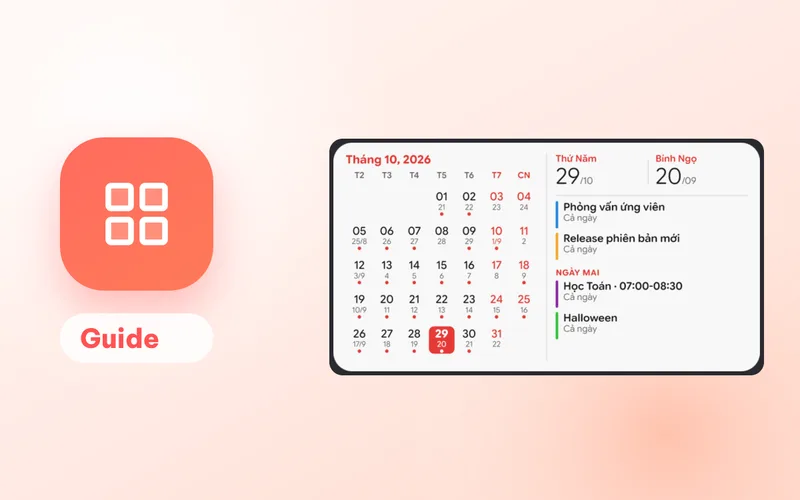
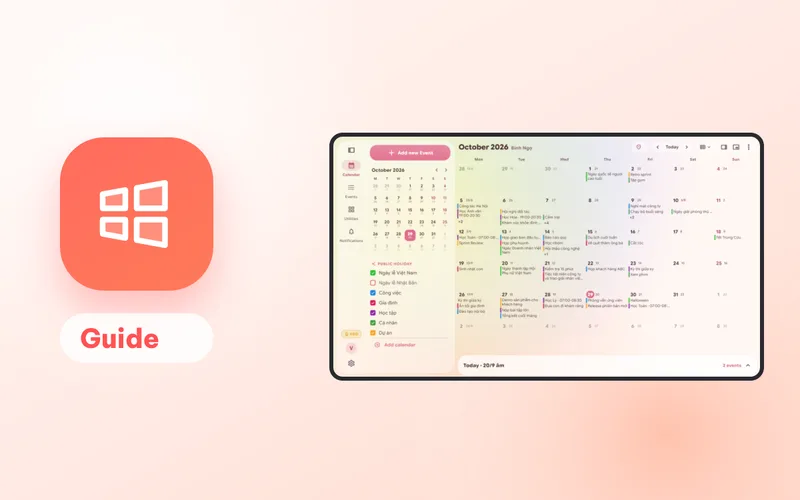
From version 2.0.21, Lịch Âm Việt puts a lunar calendar right on the Windows desktop: a month calendar, a mini card for today, or a full-height column. The desktop widgets run on Windows 10 and 11. On Windows 11 there are also four widgets for the Widgets board.
Desktop widgets
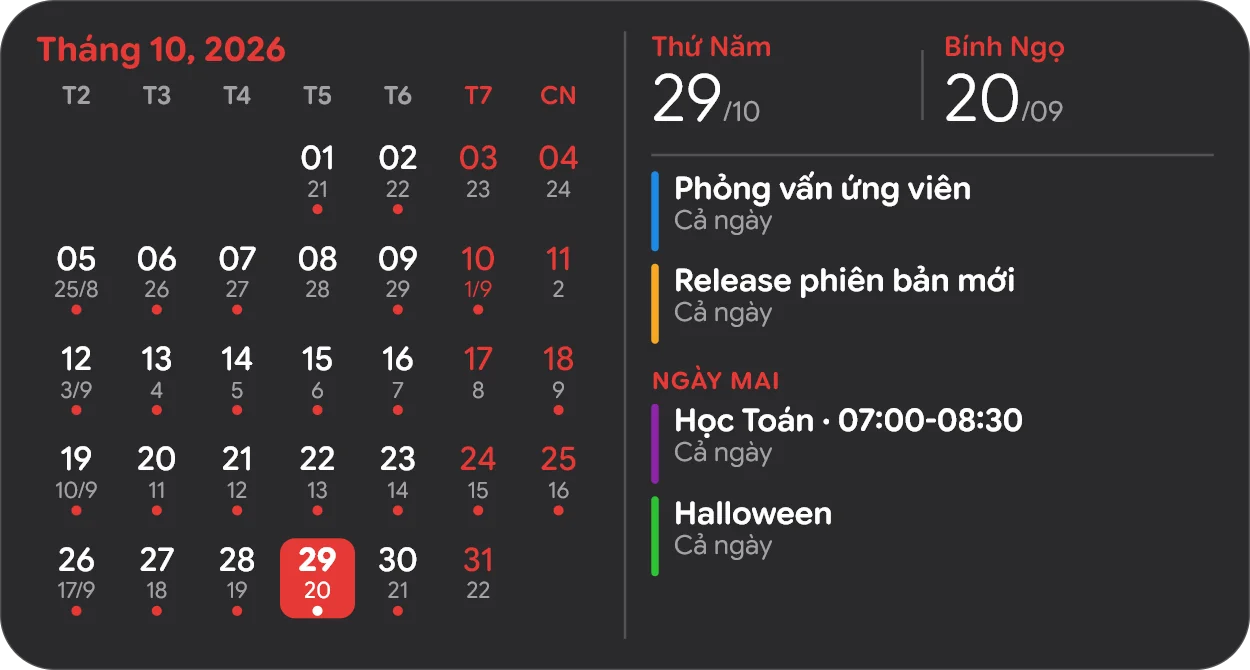
Month calendar
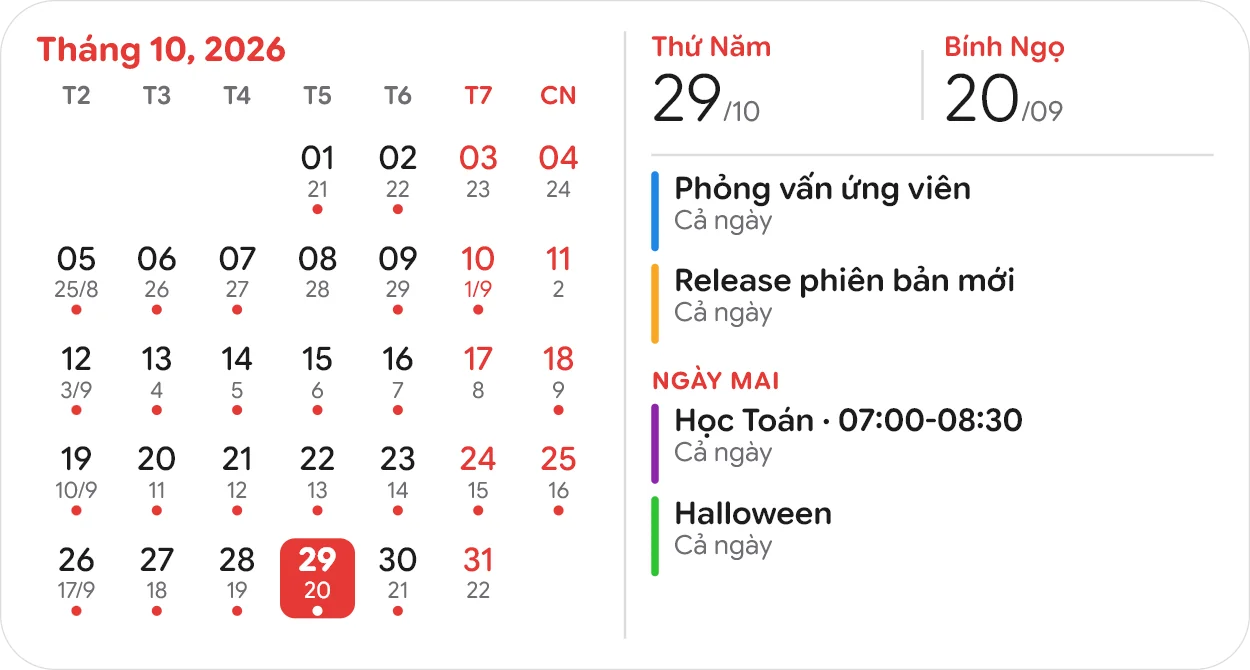
A month grid with the lunar date under each day and a dot on days with events, next to today’s solar and lunar date and its events.
Mini
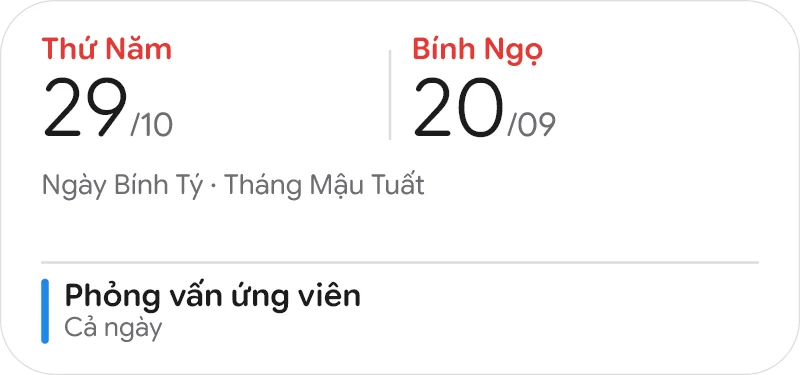
The solar date, the lunar date, the day and month in Can Chi, and your next event.
Vertical: 1, 3 or 6 months
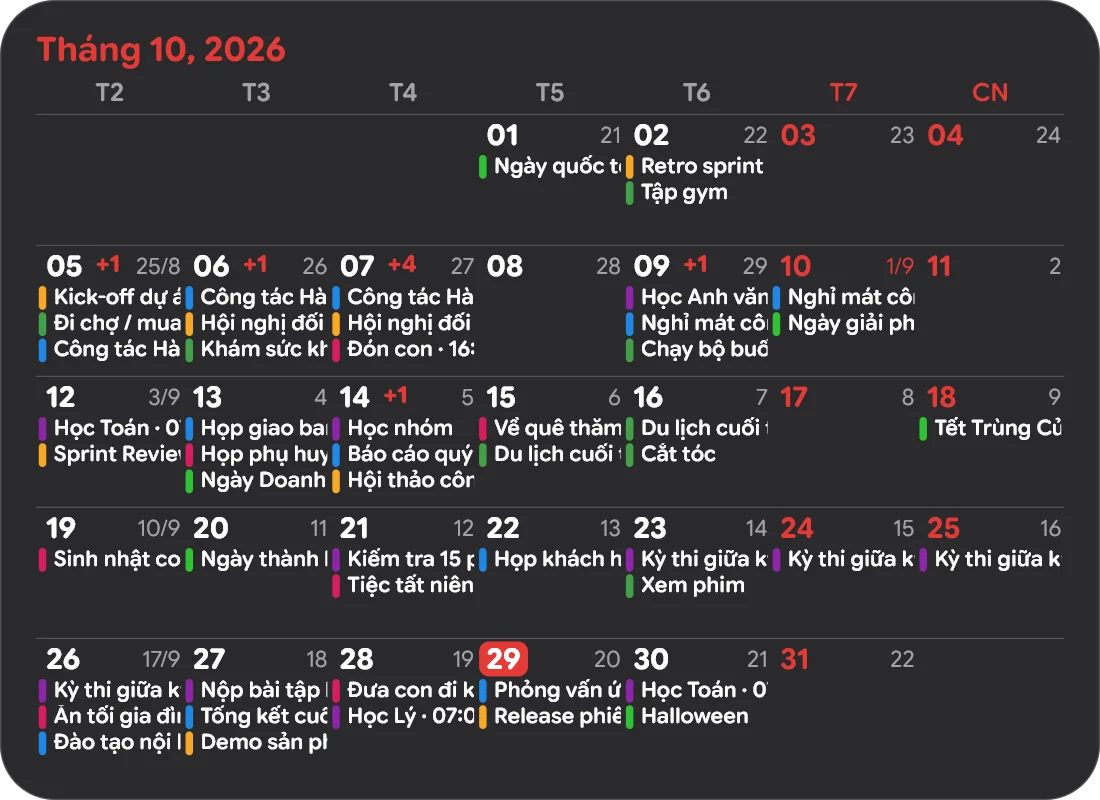
Events sit inside each day, up to three per day in their calendar colours, with +1, +3 for the rest. One month makes a compact card; three or six months fill the full height of the screen, which suits a portrait or second monitor.
Turn them on
- Right-click the Lịch Âm Việt icon in the system tray, next to the clock.
- Open Desktop widgets.
- Tick Month calendar, Mini or Vertical calendar (full height), and for the vertical one pick 1, 3 or 6 months.
Drag a widget to move it; its position is remembered. Click a day or an event to open the app on that day. Right-click a widget for Open app or Hide this widget. The widgets switch between light and dark with Windows, follow the app’s language, and keep their events fresh about every 30 minutes even when the app is closed.
Widgets board (Windows 11)
Press Win+W, click + to add a widget, find Lịch Âm Việt and pin one of:
| Widget | Sizes | Shows |
|---|---|---|
| Today | S, M, L | Solar and lunar date and upcoming events (1, 4 or 8 lines) |
| Month | S, M, L | A month grid; medium adds lunar dates, large adds the month header and Can Chi |
| Lunar | S | Today’s lunar date and Can Chi |
| Week | S | This week’s 7 days with lunar dates |
These need Windows 11 and the Microsoft Store install. Open the app once after installing so it can prepare the data; it writes 60 days ahead each time it runs. Windows decides the font and background, so all events share one colour there.
Premium
All widgets, on the desktop and on the Widgets board, are Premium. Without Premium the tray menu shows Desktop widgets (Premium)…, and the Widgets board shows an upgrade card. Premium is tied to your account, so a purchase on your phone carries over when you sign in. After buying, widgets you turned on appear within a minute.
More: a tour of the Windows app and Vietnamese lunar calendar for Windows 10 and 11.
FAQ
Do the widgets work on Windows 10?
The desktop widgets do, on both Windows 10 and 11. The Widgets board (Win+W) widgets are Windows 11 only and need the Microsoft Store version.
Are the widgets free?
No, widgets are a Premium feature. Without Premium the tray menu shows Desktop widgets (Premium) instead, which opens the plans. Premium bought on a phone works once you sign in with the same account.
Do the widgets disappear when I press Win+D?
No. They belong to the desktop, so they stay visible when everything is minimised, and clicking one never brings it above your other windows.
 lichamviet.com