 Lịch Âm Việt
Vietnamese Lunar Calendar on Apple Watch: Lunar Date Complication
· 3 min read
If you wear an Apple Watch, the fastest way to know today’s lunar date is to put it on your watch face. Lịch Âm Việt includes a complication called Âm Lịch (“lunar calendar”) that shows today’s Vietnamese lunar day and month. On 17 October 2026, the 8th day of the 9th lunar month of the year Bính Ngọ, it reads 8/09.
You need watchOS 9 or later and the iPhone app installed on the paired iPhone.
Three styles
Pick the one that fits the slots on your watch face:
- Circular: a small round slot with “Âm Lịch” above and the lunar day/month below. Fits faces with several round slots around the dial.
- Rectangular: “Âm Lịch” and the lunar date in larger text. The easiest to read; fits Modular-style faces with a wide centre slot.
- Corner: the lunar day in the corner with a curved line “Âm lịch 8/09” following the edge. Only some faces have corner slots.
If your eyesight isn’t what it was, or you’re setting up a watch for a parent, choose rectangular: the text is bigger and never cut off.
Add it on the watch
- Make sure the iPhone has Lịch Âm Việt installed and you’ve opened it at least once.
- On the Apple Watch, touch and hold the current watch face.
- Tap Edit.
- Swipe left to the Complications screen.
- Tap the slot you want (circular, rectangular or corner).
- Turn the Digital Crown or scroll to Lịch Âm, then choose Âm Lịch.
- Press the Digital Crown to save, then tap the face to exit.
Add it from the iPhone
If the small screen is fiddly, use the iPhone instead:
- Open the Watch app on the iPhone.
- On the My Watch tab, choose your current face under My Faces.
- Under Complications, tap a position (Top, Bottom, Top Left and so on).
- Choose Lịch Âm from the list.
The change reaches the watch within a few seconds.
Face layout ideas
- Easiest to read: a face with a large centre rectangle, with Âm Lịch in it. The face already shows the solar date, so you see both dates together.
- Compact: Âm Lịch in a small round slot, leaving the others for weather, heart rate or timers.
- Analogue faces: if the face has corner slots, the corner style shows the lunar day without covering the hands.
You can keep two faces, say one for work and one for home, and swipe between them.
Can’t find the Âm Lịch complication?
- The app isn’t on the watch yet: open the Watch app on the iPhone, scroll to Available Apps and tap Install next to Lịch Âm. If automatic app install is on, you can skip this.
- The face has no matching slot: some faces have only corner slots, or none. Try a face with round or rectangular slots, such as Modular or Infograph Modular.
- Old watchOS: the complication needs watchOS 9 or later. Check under Settings → General → About on the watch.
What about giỗ, mùng 1 and rằm reminders?
The complication only shows the date; it has no buttons or event list. You still get reminders on your wrist:
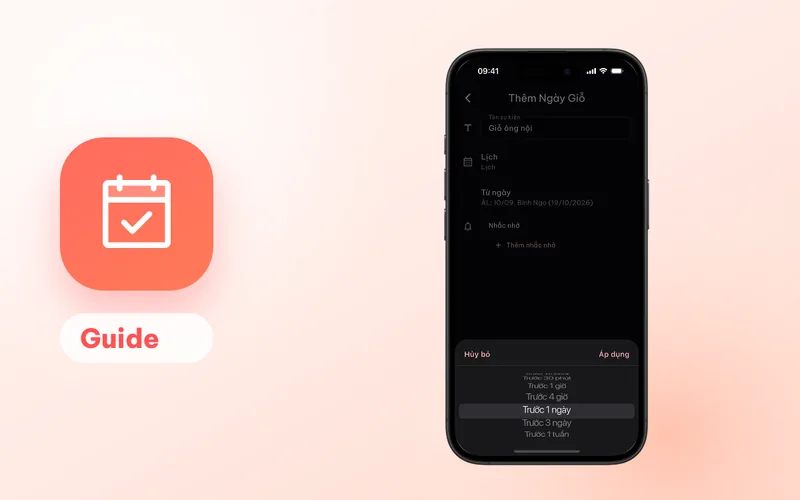
- Giỗ (death anniversaries) and lunar birthdays you create in Lịch Âm Việt are saved to your iPhone’s calendar (iCloud, Google and so on). That calendar sends the reminder, and the watch shows iPhone notifications when the iPhone is locked. How to set them up: yearly giỗ reminders.
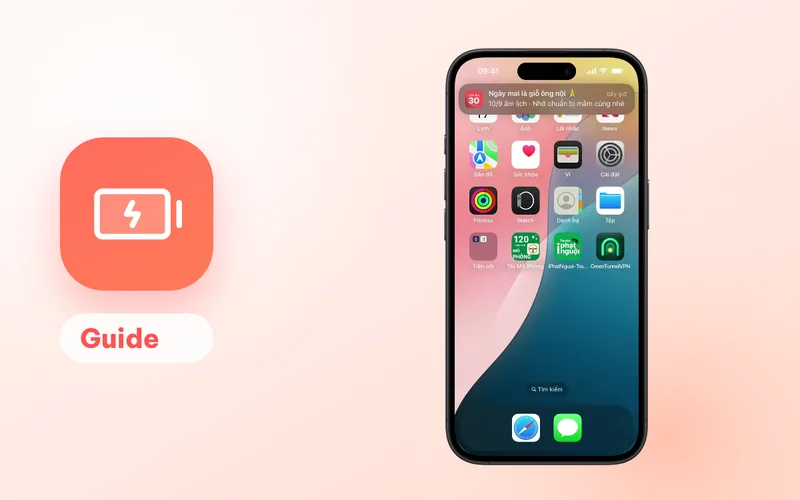
- Mùng 1 (first of the lunar month), rằm (full-moon 15th) and Tết reminders are turned on in the app under Thông báo → Cài đặt nhắc (notifications, reminder settings). Their iPhone notifications are forwarded to the watch the same way.
To be sure they appear on the watch, open the Watch app on the iPhone → Notifications, and check that Lịch Âm and Calendar are set to mirror the iPhone.
Pair it with iPhone widgets
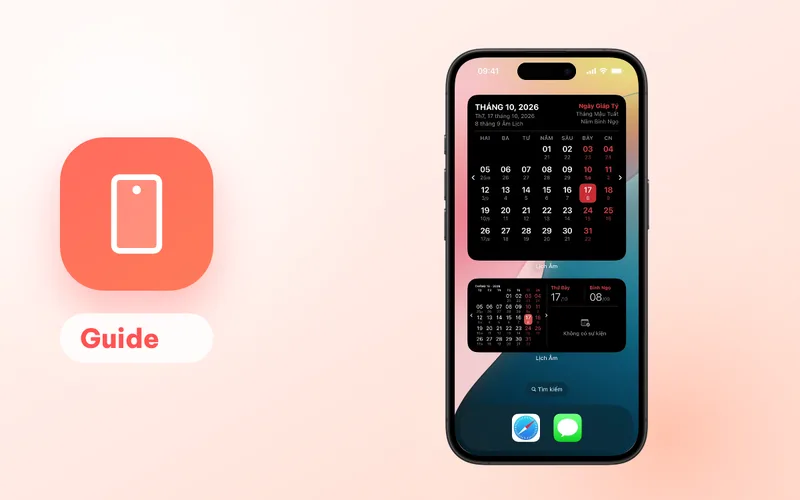
The watch complication goes well with the iPhone widgets: the circular Âm Lịch Lock Screen widget uses the same day/month style, and the month calendar widget on the home screen shows lunar dates and the Can Chi. See Vietnamese lunar calendar for iPhone and iPad.
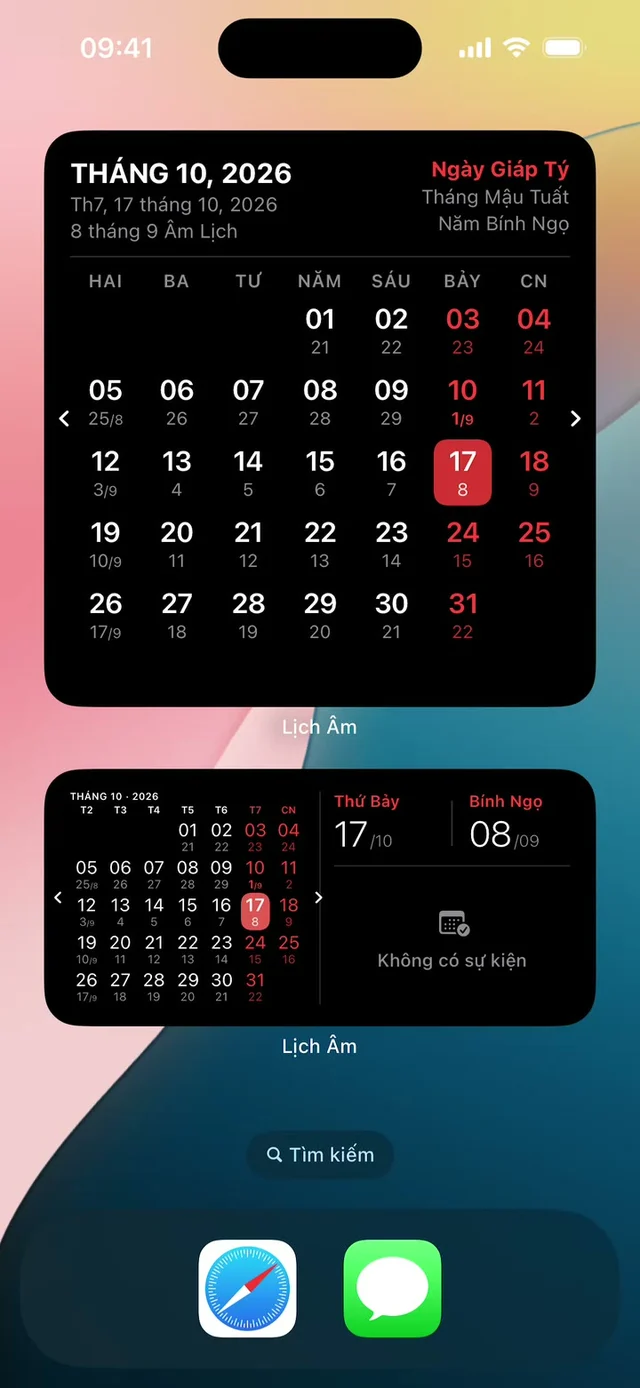
To know what’s special about today (Can Chi, auspicious hours), open the day card in the app or the today’s lunar date page (in Vietnamese). Background on those terms: Can Chi and auspicious hours.
FAQ
Which Apple Watch models can show the lunar date?
Any Apple Watch running watchOS 9 or later, paired with an iPhone that has Lịch Âm Việt installed.
What does the complication show?
Today's lunar day and month, for example 8/09 for the 8th day of the 9th lunar month. The circular and rectangular styles add the label Âm Lịch; the corner style shows the lunar day with a curved Âm lịch 8/09 line.
I can't find Âm Lịch in the complication list. Why?
Check that the app is installed on the watch: in the iPhone's Watch app, scroll to Available Apps and tap Install next to Lịch Âm. Then pick a circular or rectangular slot, since many faces have no corner slots.
Will my Apple Watch remind me of a giỗ?
The complication only shows the date. Giỗ reminders come from the calendar on your iPhone, and iPhone notifications appear on the watch according to your Apple Watch notification settings.
 lichamviet.com