 Lịch Âm Việt
Vietnamese Lunar Calendar for Mac: Lunar Date in the Menu Bar
· 3 min read
When you work on a MacBook all day, picking up your phone just to check whether tomorrow is rằm (the full-moon 15th of the lunar month) gets old fast. Lịch Âm Việt for macOS shows today’s Vietnamese lunar date in the menu bar, next to the clock. Click it for a small month calendar, the auspicious hours and the Can Chi of the day.
The app runs on macOS 12 or later and is on the Mac App Store, the same listing as the iPhone and iPad version.
The lunar date in the menu bar
Once the app is open, the menu bar shows today’s lunar date in the form d/m Âm (“Âm” means lunar). On 17 October 2026, which is the 8th day of the 9th lunar month, it reads 8/9 Âm.
Hover over it and a tooltip adds the Can Chi, the traditional stem-and-branch names. That day is Giáp Tý, in the month Mậu Tuất of the year Bính Ngọ. What these names mean is covered in Can Chi and the Vietnamese zodiac.
The quick panel
Click the date in the menu bar to open the quick panel. Without opening any window you get:
- a mini month grid with the lunar date under each day and dots for events,
- the 12 two-hour periods of the day, with the giờ hoàng đạo (auspicious hours) marked,
- today’s Can Chi,
- an event search box, handy for typing “giỗ” to find the next death anniversary,
- Đi tới ngày (go to date) to jump to any day.
For most quick questions (“when is the next mùng 1?”, “how many days until Grandpa’s giỗ?”) the panel is enough.
The main window
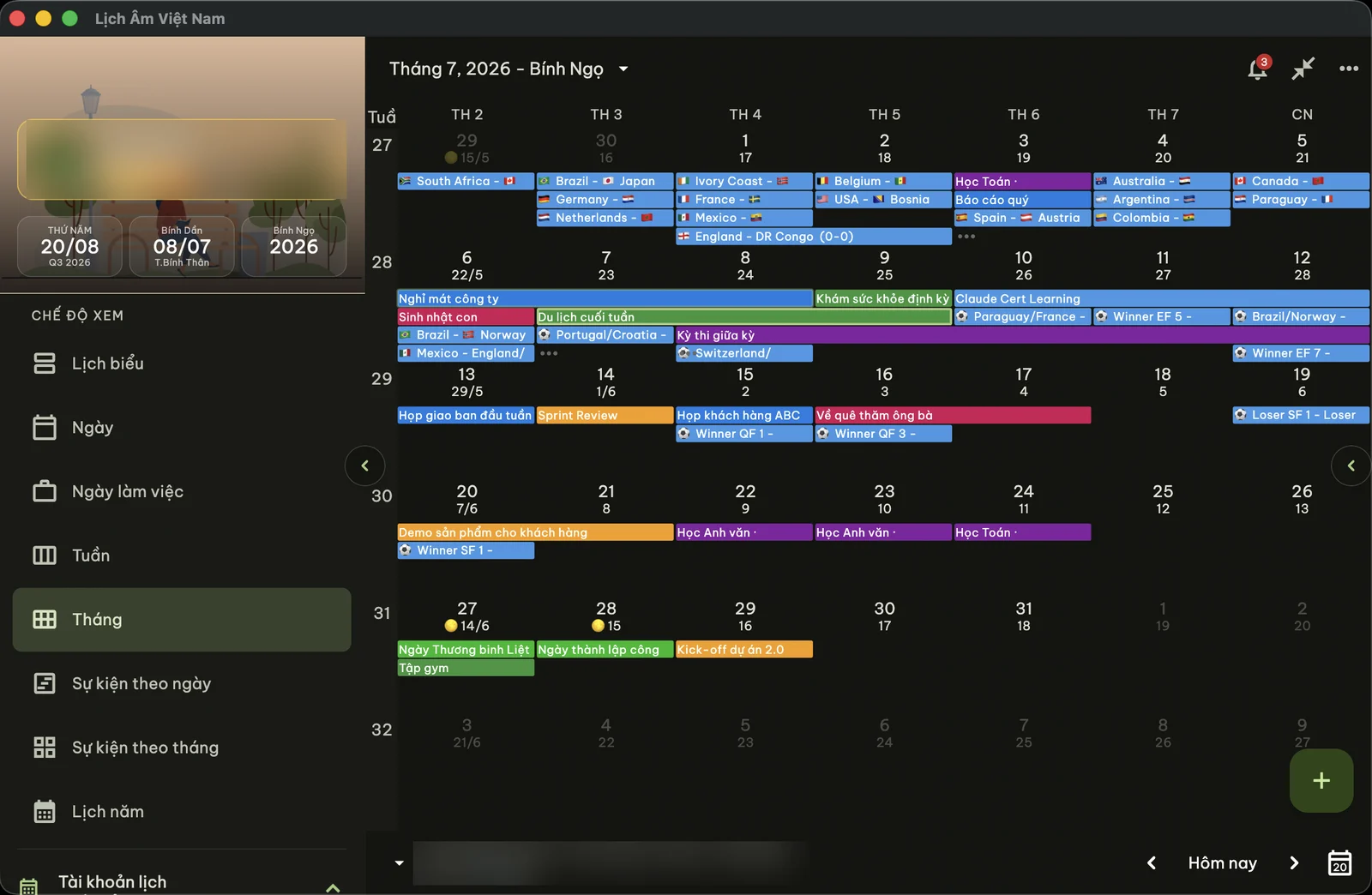
The main window has a sidebar for switching views: Lịch biểu (schedule), Ngày (day), Ngày làm việc (work week), Tuần (week), Tháng (month), events by day or by month, and a year view. Every date shows its lunar day underneath.
Click a date to see its details: weekday, lunar day, whether the lunar month is full (30 days) or short (29), the Can Chi of the year, month and day, and the auspicious hours. The interface can be switched from Vietnamese to English if you prefer.
Widgets on the Mac
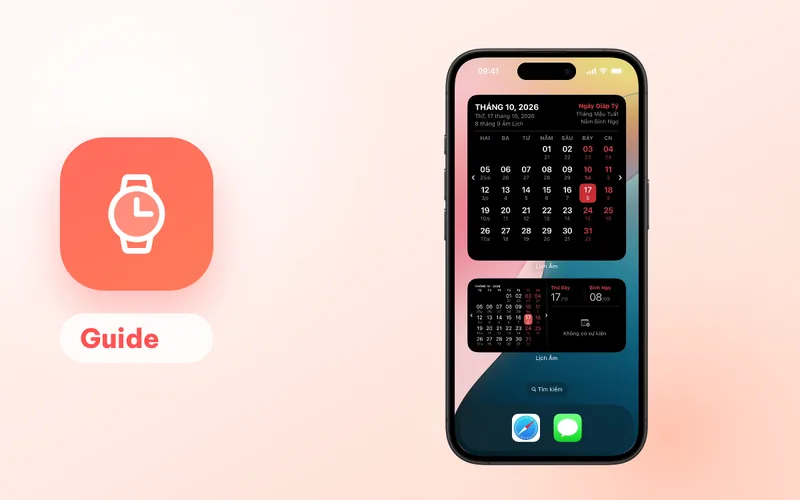
- Today (small): today’s lunar date and upcoming events.
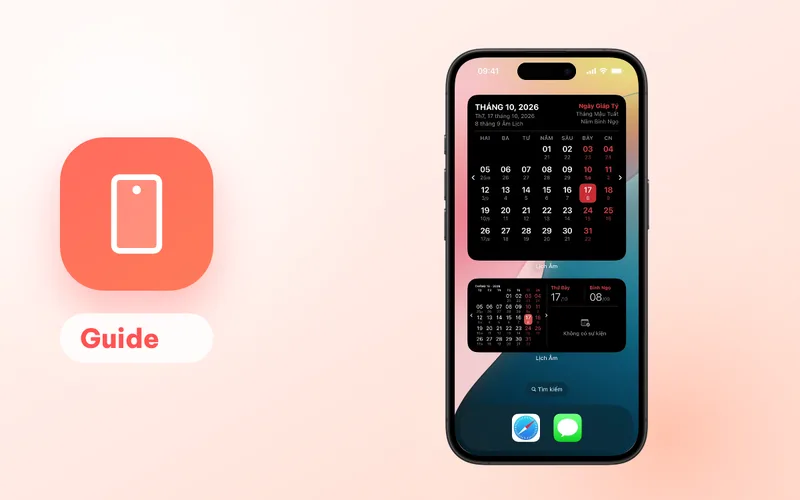
- Calendar (small, medium, large): the month with lunar dates.
To add one:
- Right-click an empty part of the desktop and choose Edit Widgets. On macOS 12 and 13, open Notification Center and click Edit Widgets at the bottom instead.
- Search for “Lịch Âm”.
- Pick a size and drag it to the desktop or into Notification Center.
Death anniversaries and holiday reminders
There are two kinds of reminders.
Built-in holidays. Click the bell icon in the main window and open Cài đặt nhắc (reminder settings). Switch on mùng 1 (first day of the lunar month), rằm, Tết, Vu Lan, Ông Công Ông Táo and others. They fire at 07:00 on the day by default; you can choose up to 30 days earlier and any time.
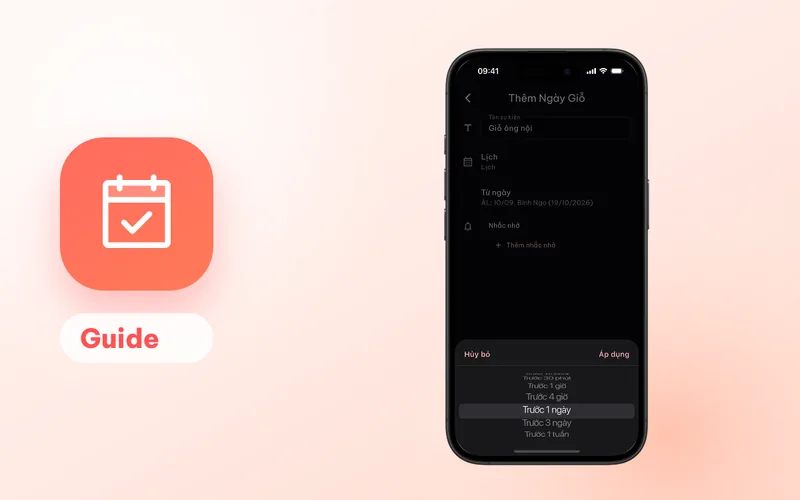
Your family’s dates. Click +, choose Ngày giỗ (death anniversary), enter a name and the lunar date, and add reminders. The event is saved into a calendar on your Mac (iCloud, Google, Exchange or a local calendar) and the macOS Calendar app sends the reminder. Because it repeats by the lunar date, it lands on the correct solar date every year. More detail: yearly giỗ reminders.
If your Mac and iPhone share an iCloud or Google account, a giỗ added on one shows up on the other.
Launch at login and keep the screen awake
- Launch at login (macOS 13 and later) keeps the lunar date in the menu bar every time you start the Mac.
- Không khóa màn hình (don’t lock the screen) stops the display from going to sleep while the calendar is open. Useful if you leave a Mac showing the calendar near the family altar or at a shop counter.
Install on a Mac
- Open the App Store on your Mac and search for “Lịch Âm Việt”, or use this link.
- Click Get.
- Open the app and allow access to Calendars.
- Allow notifications if you want holiday reminders.
Not on a Mac? Compare the options in Vietnamese lunar calendar for your computer, or see the Windows guide. For a quick check without installing anything, there is the web version.
FAQ
Which macOS version do I need?
macOS 12 or later. The app comes from the Mac App Store, on the same listing as the iPhone and iPad app.
How do I keep the lunar date in the menu bar after a restart?
Turn on the launch-at-login option in the app's settings (macOS 13 or later). The menu bar then shows the lunar date, for example 8/9 Âm, every time you log in.
Are there lunar calendar widgets for the Mac desktop?
Yes: a small today widget and a month calendar widget in small, medium and large sizes. On macOS 12 and 13 they live in Notification Center; newer versions also allow them on the desktop.
Will a giỗ I add on the Mac show up on my iPhone?
Yes, if both use the same calendar account. The Mac app saves events into the calendars set up in System Settings, such as iCloud or Google, so your iPhone sees them too.
 lichamviet.com