 Lịch Âm Việt
Vietnamese Lunar Calendar for PC and Mac: Windows, Linux, Web
· 4 min read
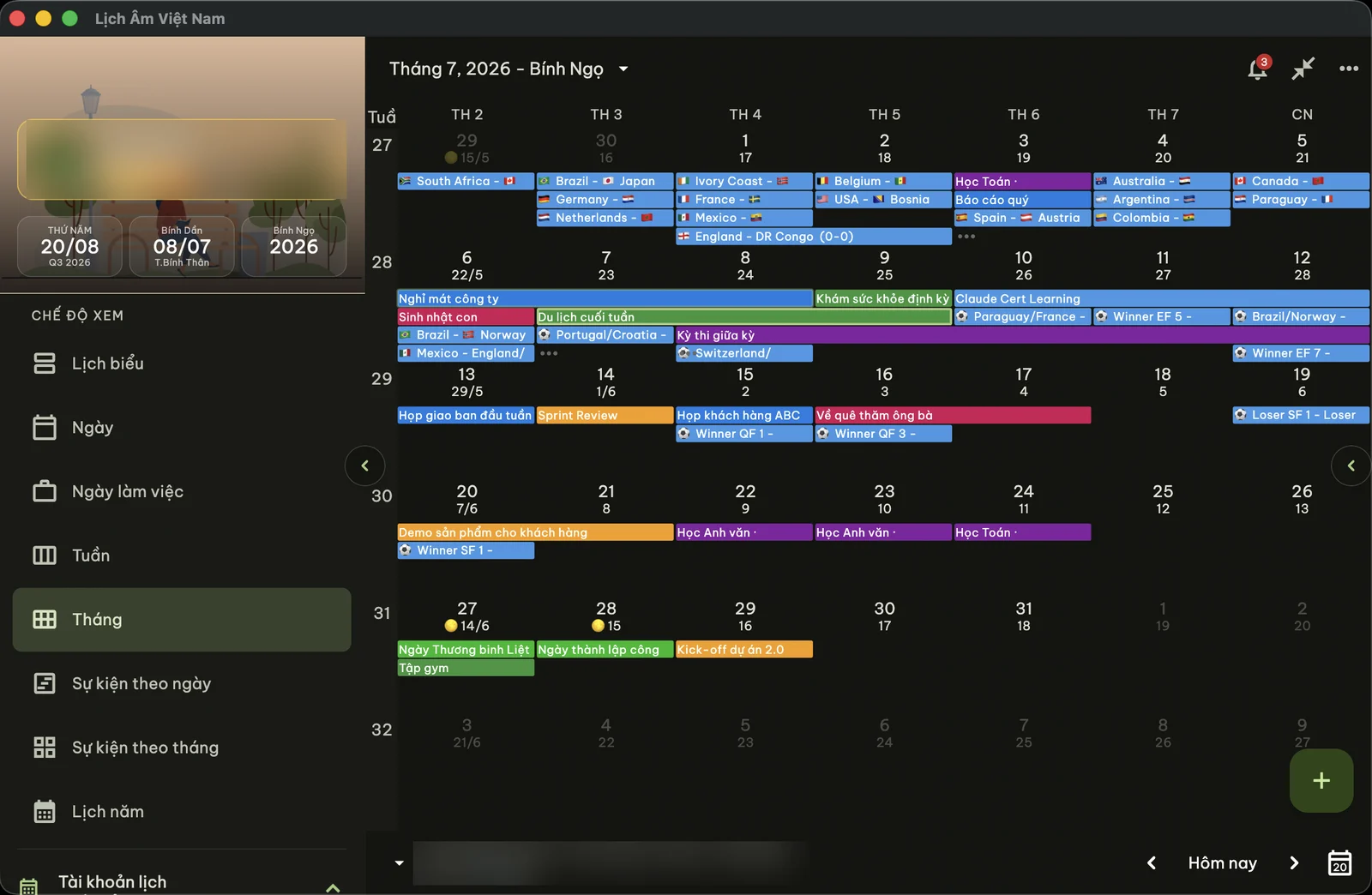
Lịch Âm Việt runs on every common computer: Windows, Mac, Linux, and any browser. The versions share the same calendar, the same lunar maths (computed for Vietnam’s time zone) and the same Vietnamese or English interface, but each one fits its system a little differently. This page compares them so you can pick, and links to a full guide for each.
Quick comparison
| Windows | Mac | Linux | Web | |
|---|---|---|---|---|
| Get it from | Microsoft Store | Mac App Store | Snap, .deb, AppImage, ebuild, tar.gz | app.lichamviet.com |
| Minimum system | Windows 10 (1809) | macOS 12 | 64-bit Linux | A current browser |
| Lunar date always visible | Tray icon with the lunar day | Menu bar “d/m Âm” | No | No |
| Quick panel | Yes | Yes | No | No |
| Desktop widgets | No | Yes | No | No |
| mùng 1 / rằm / Tết reminders | Yes | Yes | No | No |
| Create giỗ and other events | Yes (Google or Microsoft account) | Yes (system calendars) | No | Yes (Google or Microsoft account) |
| Google Calendar | Linked in the app | Via System Settings | Linked in the app | Linked in the app |
| Microsoft / Outlook | Linked in the app | Linked in the app or via System Settings | Linked in the app | Linked in the app |
Mùng 1 is the first day of a lunar month, rằm the full-moon 15th and giỗ a death anniversary, all of which move around on the solar calendar each year.
What every version has
- Month, week, day, schedule and year views with the lunar date under each solar date.
- A day view with the lunar day, whether the lunar month has 29 or 30 days, the Can Chi (stem-and-branch names) of the year, month and day, and the 12 two-hour periods with the giờ hoàng đạo (auspicious hours) highlighted.
- Events from your calendar accounts.
- Vietnamese and English interface, light and dark themes, adjustable text size.
Windows: lunar day in the system tray
The Windows version puts the lunar day number on a tray icon next to the clock. Hovering shows the full lunar date and Can Chi; clicking opens a quick panel with a mini month, auspicious hours, event search and a go-to-date box. It can start with Windows and sends notifications for built-in holidays.
Events are saved to a Google or Microsoft account you link in the app. Windows can create events but not edit them yet, and Premium can’t be bought on Windows (sign in with the account that has it). Full guide: Vietnamese lunar calendar for Windows.
Mac: lunar date in the menu bar
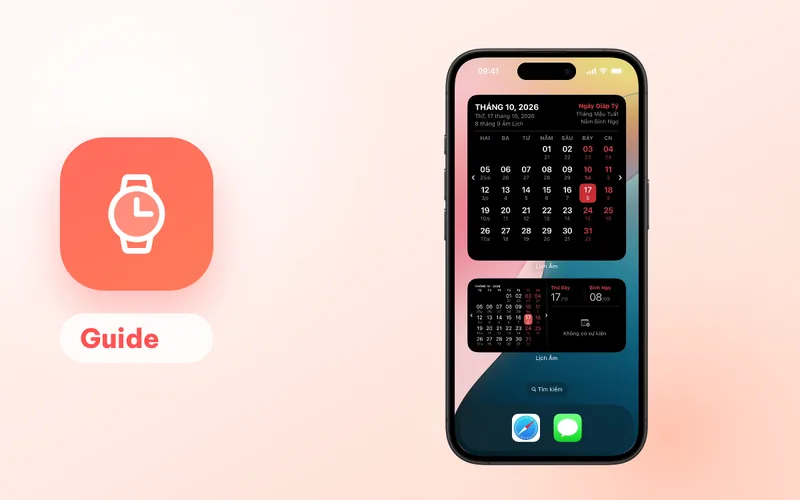
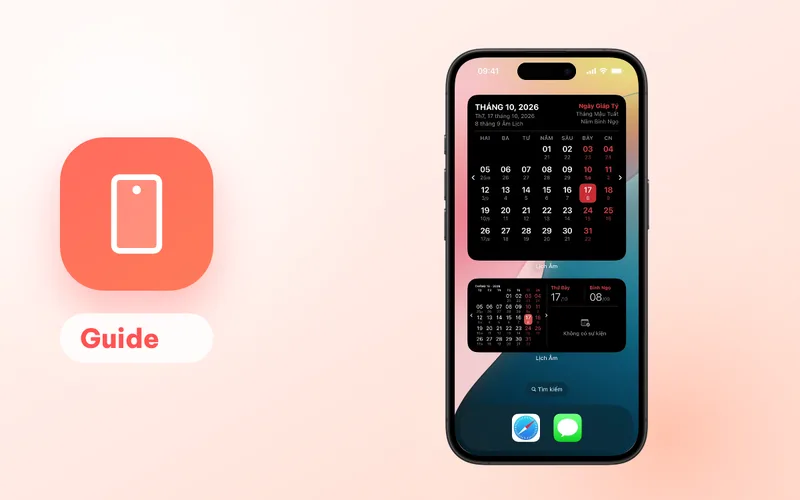
On macOS the menu bar shows the lunar date as d/m Âm, for example 8/9 Âm on 17 October 2026. The quick panel works like the Windows one. The Mac also gets widgets (a small today widget and month calendars in three sizes), launch at login on macOS 13 or later, and a keep-screen-awake option.
Events go into the calendars set up in System Settings (iCloud, Google, Exchange or local), so a giỗ added on the Mac appears on your iPhone if both use the same account. Full guide: Vietnamese lunar calendar for Mac.
Linux: for looking things up
The Linux version is a full calendar viewer with lunar dates, Can Chi and auspicious hours, and it can show events from a linked Google or Microsoft account. It can’t create events and has no built-in reminders, so pair it with the phone app. Install options and troubleshooting: Vietnamese lunar calendar for Linux.
Web: nothing to install
app.lichamviet.com works on any computer with a browser, including work laptops and Chromebooks. You can link Google or Microsoft and add a giỗ that Google Calendar or Outlook will remind you about, but built-in holiday reminders aren’t available in the browser. Full guide: Vietnamese lunar calendar on the web.
Which one should you pick?
- You use Windows every day and want the lunar date at a glance: install the Windows app and keep the tray icon visible.
- You use a Mac: install the Mac app. If you also have an iPhone, it’s the same App Store listing.
- You use Linux: install the Linux app for viewing and use your phone for reminders.
- You can’t install software, or you are on someone else’s computer: use the web app.
In every case, put the reminders you care about on your phone, which is the device you are most likely to have with you: Android or iPhone and iPad.
Keeping phone and computer in sync
Lịch Âm Việt doesn’t keep your events in a separate store. It writes them into your own calendar account:
- Android, iPhone, iPad, Mac: the device calendar, meaning the Google, iCloud or Exchange accounts added in system settings, or a calendar stored on the device.
- Windows, Linux, Web: a Google or Microsoft account linked inside the app.
So if your phone and computer use the same account, a giỗ you add on one is visible on the other. Holiday reminder settings sync separately when you sign in. How to set up a yearly reminder is covered in death anniversary reminders by the lunar date.
For a one-off lookup on any computer, the today’s lunar date page (in Vietnamese) is the quickest option.
FAQ
Which computers can run the Vietnamese lunar calendar?
Windows 10 (1809 or later) and 11 through the Microsoft Store, macOS 12 or later through the Mac App Store, 64-bit Linux through Snap, .deb, AppImage, a Gentoo ebuild or tar.gz, and any computer with a browser through app.lichamviet.com.
Which version shows the lunar date without opening a window?
The Mac version shows it in the menu bar (for example 8/9 Âm) and the Windows version shows the lunar day number on a system tray icon. Both open a quick panel when clicked.
Can I add a death anniversary on a computer?
Yes on Mac (saved to the calendars in System Settings), Windows and the web (saved to a linked Google or Microsoft account). The Linux version can show events but can't create them.
Do I need to set things up twice on phone and computer?
No. Events live in your calendar account, so they appear everywhere that account is used. Built-in holiday reminder settings sync when you sign in.
 lichamviet.com