 Lịch Âm Việt
Vietnamese Lunar Calendar Online: Web App, No Install
· 4 min read
Sometimes you just need to look up a lunar date on a work laptop where you can’t install software, on a Chromebook, or on a relative’s computer. The web version of Lịch Âm Việt runs in the browser at app.lichamviet.com, with no download.
It is the same calendar as the phone and desktop apps: lunar dates under every day, Can Chi, the auspicious hours, and your Google or Outlook events.
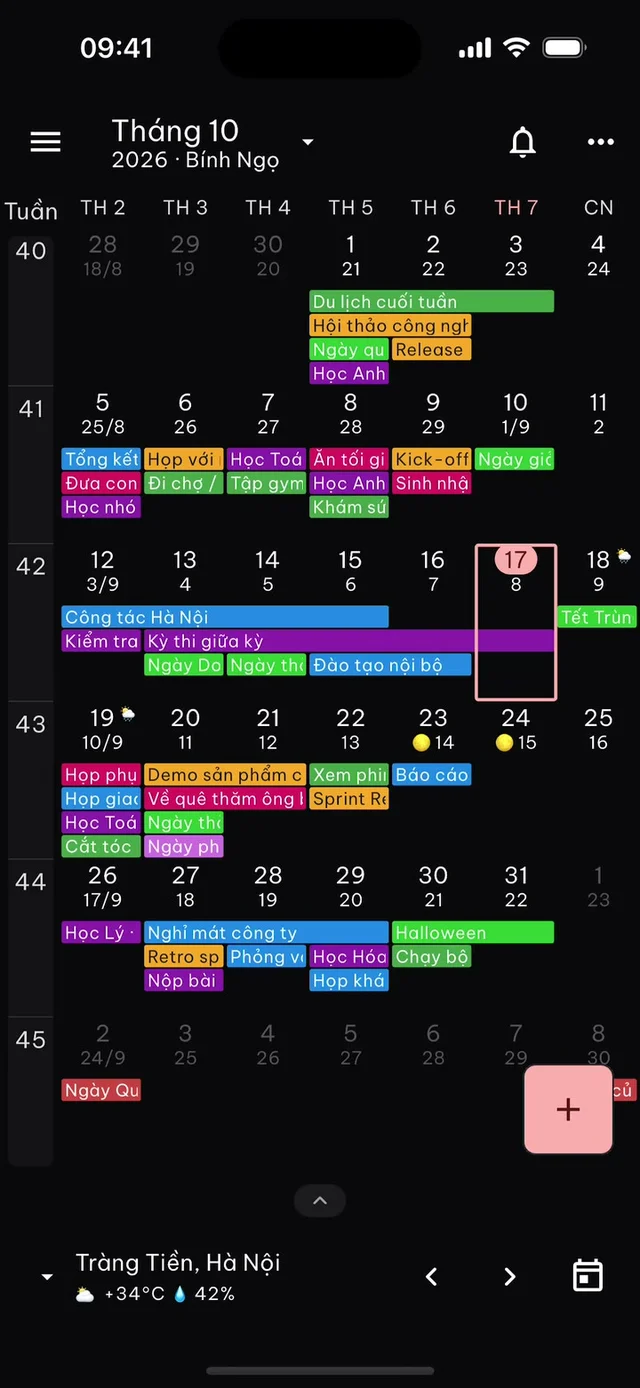
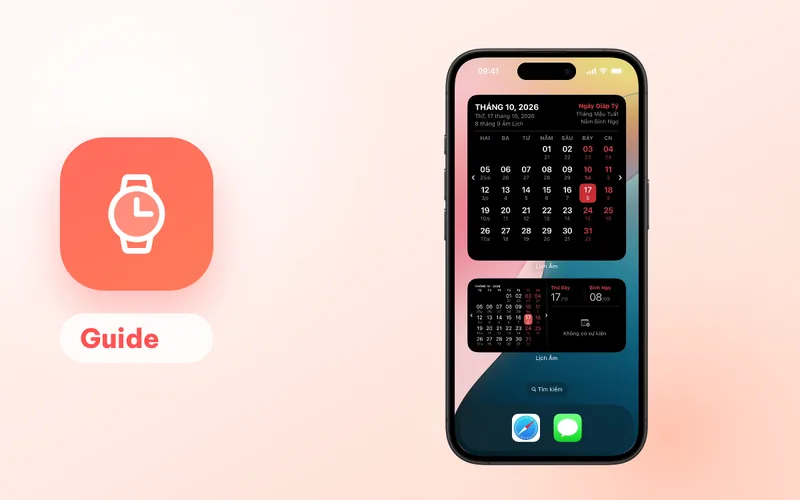
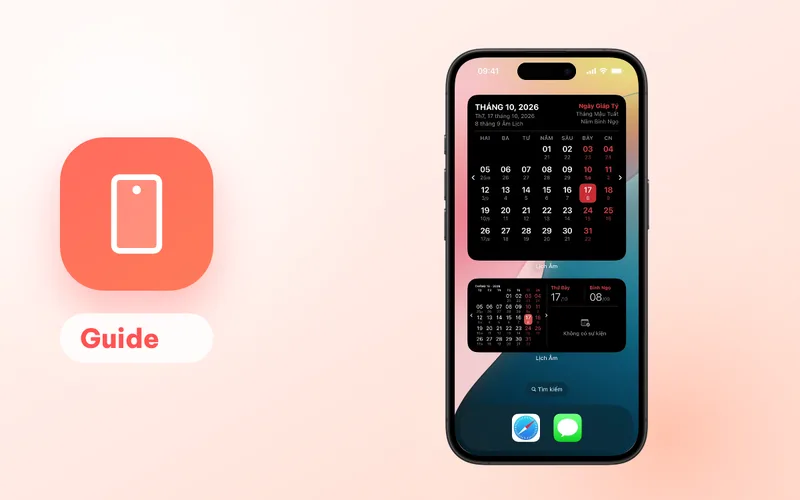
Screenshot from the iPhone app; the web app uses the same calendar layout.
Open it
- Go to app.lichamviet.com in Chrome, Edge, Safari, Firefox or another current browser.
- Browse the calendar: the lunar date appears under each solar date.
- Bookmark the page so it is one click away next time.
The interface is available in Vietnamese and English. In this guide, Vietnamese labels are quoted with an English gloss.
What you can do in the browser
- See lunar dates in month, week, day, schedule and year views. The first day of each lunar month is marked with its month number.
- Check a day’s details: the lunar day, whether the lunar month has 29 or 30 days, the Can Chi (traditional stem-and-branch names) of the year, month and day, and the 12 two-hour periods with the giờ hoàng đạo (auspicious hours) highlighted.
- See your events from a linked Google or Microsoft account.
- Add events, including lunar-date ones such as a giỗ (death anniversary).
For example, look up 6 February 2027 and you will see it is the first day of the first lunar month, Tết of the year Đinh Mùi (Year of the Goat). More on that in Tết 2027.
Handy when you’re away from your own devices
A few situations where the browser version is the simplest option:
- Checking a relative’s giỗ date on a work computer before asking for time off.
- Showing parents or grandparents the date of the next mùng 1 (first of the lunar month) or rằm (full-moon 15th) on their own computer, without installing anything.
- Planning a trip home around Tết on a shared or borrowed laptop.
Link Google or Microsoft
A browser has no device calendar, so you connect an account inside the web app:
- Open the left menu and find Tài khoản lịch (calendar accounts).
- Click Thêm lịch (add calendar).
- Choose Google or Microsoft (Outlook) and sign in.
Your events now show up on the lunar calendar.
Add a death anniversary from the web
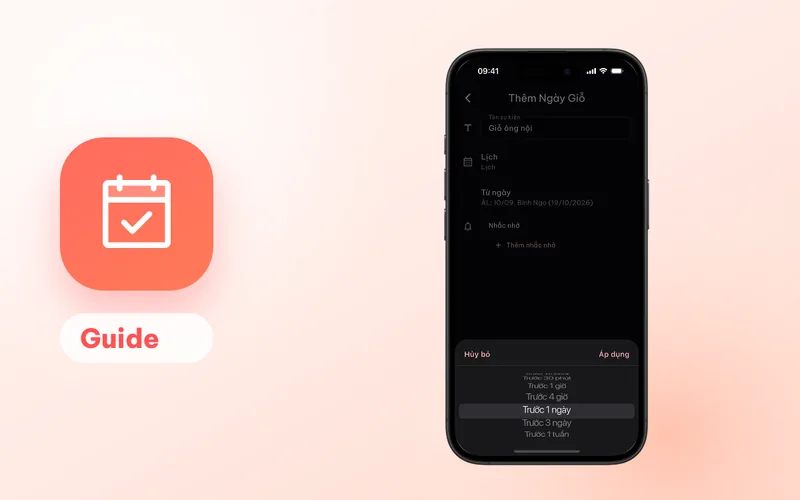
- Click + and choose Ngày giỗ (death anniversary). Other types are Sinh nhật (birthday), Sự kiện Dương lịch (solar-date event) and Sự kiện Âm lịch (lunar-date event).
- Enter a name, choose the linked calendar, and pick the date. The date picker switches between Dương (solar) and Âm (lunar).
- Add a reminder, for example Trước 3 ngày (3 days before) or Trước 1 tuần (1 week before), and save.
The app writes one event per year for many years ahead into your Google or Outlook calendar. Because the event lives there, you will get the reminder from Google Calendar or Outlook on every device signed in to that account, even when the web app is closed. A Google calendar allows up to five reminders per event; a Microsoft calendar allows one.
The full guide, including how to share giỗ dates with the whole family, is in yearly giỗ reminders.
What the web version doesn’t do
- Built-in holiday reminders (mùng 1, rằm, Tết, Vu Lan and so on) need one of the apps. On the web you only get reminders for events saved to Google or Outlook.
- Widgets, a menu bar date or a tray icon are features of the installed apps.
If you use a computer every day, the installed apps add a lunar date you can see without opening anything: in the Mac menu bar or the Windows system tray. The computer comparison lays out the differences.
Quicker lookups on lichamviet.com
For a single question, the website’s tool pages are faster than opening the app. They are in Vietnamese, but the dates are easy to follow:
- Today’s lunar date (in Vietnamese): lunar date, Can Chi, auspicious hours, plus extra almanac details such as whether the day is a “good” (hoàng đạo) or “bad” (hắc đạo) day.
- Solar to lunar converter and lunar to solar converter (in Vietnamese).
- Lunar calendar for 2027 (in Vietnamese): every lunar month and Tết for the year.
Want reminders on your phone as well? See the Android or iPhone and iPad guide.
FAQ
Do I need to install anything?
No. Open app.lichamviet.com in any modern browser on a computer, Chromebook, tablet or phone.
Can I add a death anniversary on the web?
Yes, after linking a Google or Microsoft (Outlook) account in the web app. The giỗ is saved into that account's calendar for many years ahead, and Google Calendar or Outlook sends the reminder.
Does the web version send mùng 1 and rằm reminders?
No. Built-in holiday reminders work in the apps for Android, iPhone, iPad, Mac and Windows. On the web, reminders come only from events saved to your Google or Outlook calendar.
Is the web app in English?
The web app has the same Vietnamese and English interface options as the other versions.
 lichamviet.com